Download a vCard for a User Account in the Company Directory
Arrière-plan
Si vous avez l’autorisation d’accéder à l’outil Annuaire au niveau entreprise ou projet, vous pouvez télécharger la carte de visite virtuelle (vCard) d’un utilisateur, un format de fichier normalisé pour les cartes de visite électroniques. Vous pouvez télécharger une vCard pour n’importe quel utilisateur dans l’annuaire de votre entreprise.
Éléments à prendre en compte
Escalier
Accédez à l’outil Annuaire au niveau entreprise.
Cliquez sur l’onglet Utilisateurs .
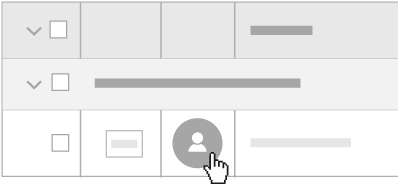
Cliquez sur l’avatar de l’utilisateur pour télécharger un fichier VCF avec les informations de l’utilisateur.
See Also
Loading related articles...