Ajouter un contact à votre appareil (iOS)
Éléments à prendre en compte
Cette action peut être effectuée hors ligne. Les tâches effectuées hors ligne sont synchronisées avec Procore une fois la connexion réseau rétablie.
Escalier
Accédez à votre outil Annuaire au niveau projet à l’aide de l’application Procore sur un appareil mobile iOS.
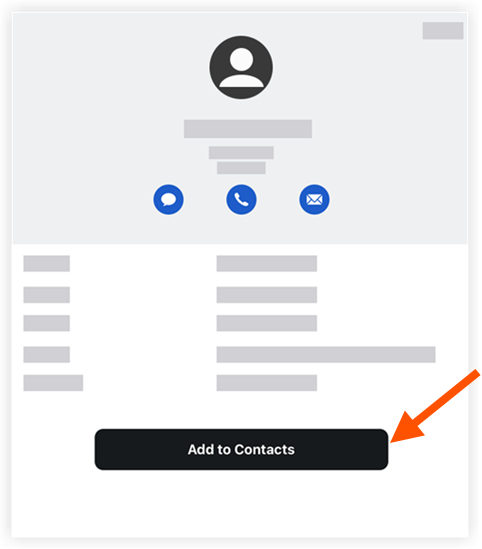
Appuyez sur le contact que vous souhaitez enregistrer sur votre appareil.
Appuyez sur Ajouter aux contacts pour enregistrer le contact sur votre appareil mobile.
See Also
Loading related articles...