Afficher un fichier dans Microsoft Office 365 à l’aide de l’outil Documents au niveau entreprise
Éléments à prendre en compte
Autorisations utilisateur requises :
Autorisations de niveau « Standard » ou « Admin » dans l’outil Documents au niveau entreprise.
Note: Si le fichier est « privé », l’utilisateur doit être ajouté à la liste des autorisations du fichier.
Escalier
Navigate to the Documents tool.
Locate the Microsoft file that you want to view.
Hover over the file and click the icon that corresponds with the file you want to open. For example, for a Word document, click the Word icon to Open in Word.
Tip! You can also right-click on the file to access this action.
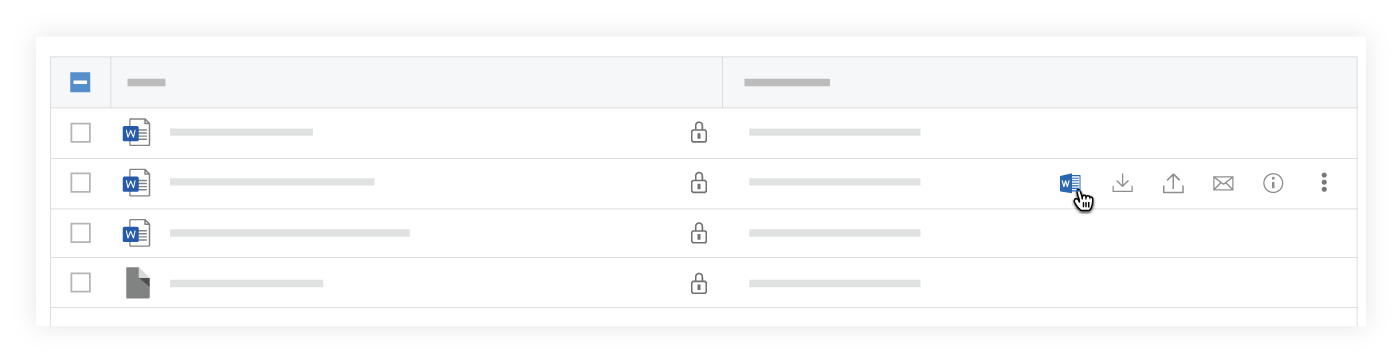
A new tab opens in your browser displaying the file in Office 365.
See Also
Loading related articles...