Ajouter ou modifier une description de fichier dans l’outil Documents au niveau projet
Éléments à prendre en compte
Autorisations utilisateur requises :
Autorisations de niveau « Admin » dans l’outil Documents au niveau projet.
Escalier
Navigate to the Documents tool.
Hover over the file you want to update the description for.
If the Info panel is not already open, click the info
 icon.
icon.Click into the Description field.
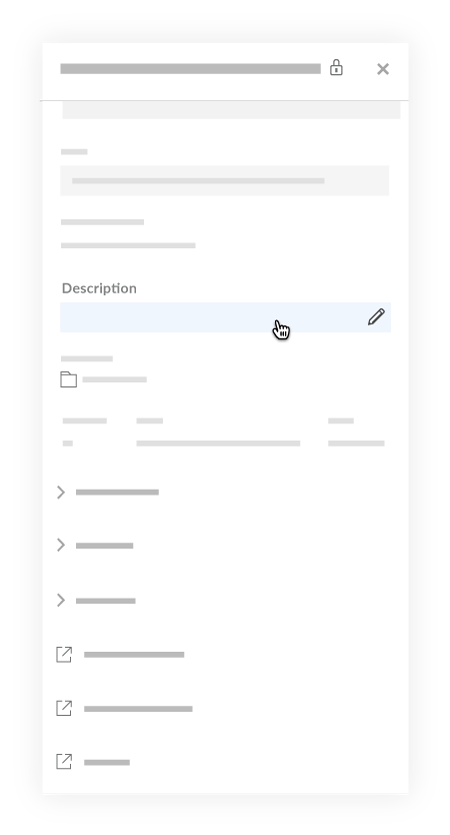
Enter or edit the description in the text box.
Note: You can enter an unlimited number characters. However, a best practice is to keep descriptions short so that they can be easily read on the page.Click out of the field to save your changes.
See Also
Loading related articles...