Afficher une zone de plan (Android)
Éléments à prendre en compte
Autorisations utilisateur requises :
Autorisations « Lecture seule » ou supérieures dans l’outil Plans du projet.
Pour voir le bouton Zones , vous devez avoir configuré « Plans par secteur » dans votre compte Procore. Voir Activer ou désactiver les zones des plans et Ajouter une zone des plans.
Cet actif ou élément peut être affiché ou modifié en mode hors connexion s’il a été précédemment affiché et mis en cache sur votre appareil mobile. Les tâches effectuées en mode hors ligne sont synchronisées avec Procore une fois la connexion réseau rétablie.
Escalier
Accédez à l’outil Plans du projet à l’aide de l’application Procore sur un appareil mobile Android.
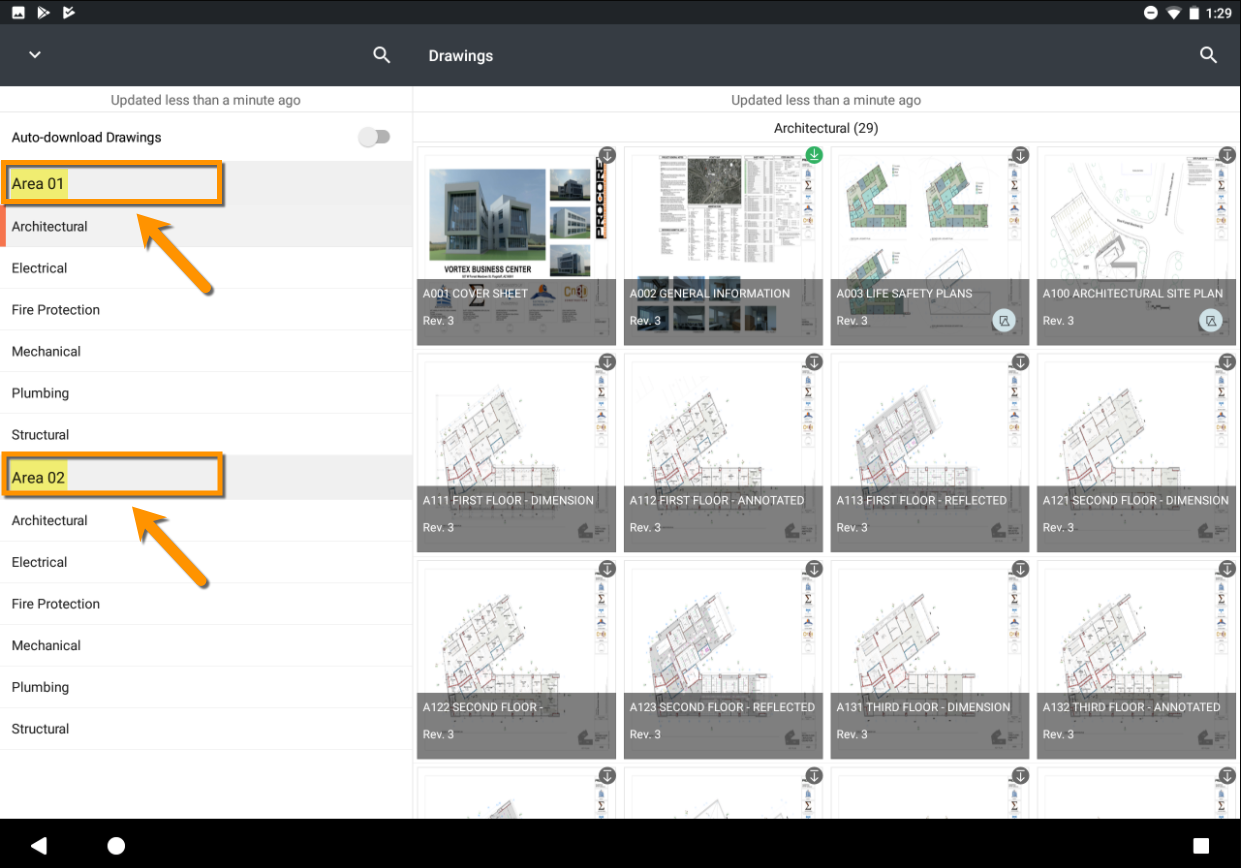
Appuyez pour sélectionner une zone de plan dans le volet gauche.
Note: Cette action n’affichera que les plans associés à la zone sélectionnée.
See Also
Loading related articles...