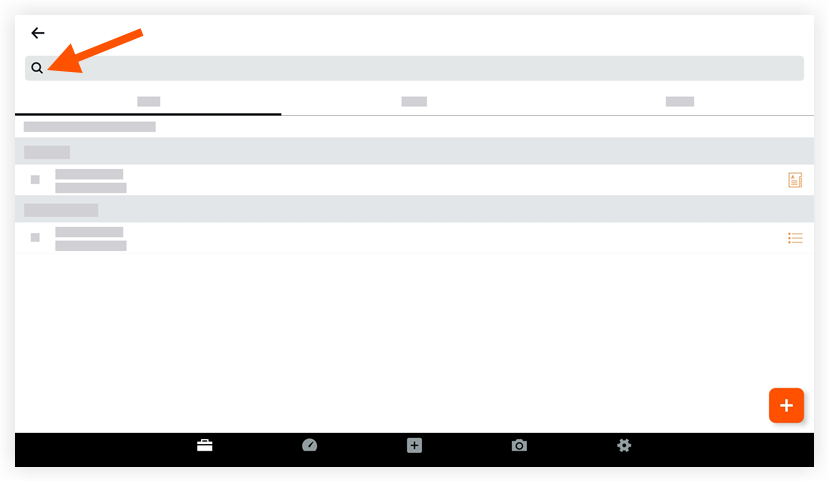
Rechercher une réunion (Android)
Éléments à prendre en compte
Required User Permissions:
'Read Only' level permissions or higher on the project's Meetings tool.
Additional Information:
When NO grouping options are applied, you can search for information in the following fields:Location
Overview
Meeting Title/Name
Date
Series
Note
When grouped by 'Series', only the 'Meeting Series Title' can be searched
Use Procore Search to search for the following fields:
Minutes
Meeting Item Title
Meeting Item Description
Cet actif ou élément peut être affiché ou modifié en mode hors connexion s’il a été précédemment affiché et mis en cache sur votre appareil mobile. Les tâches effectuées en mode hors ligne sont synchronisées avec Procore une fois la connexion réseau rétablie.