Supprimer une entrée Mes horaires (Android)
Éléments à prendre en compte
Autorisations utilisateur requises :
Autorisation de niveau « Standard » ou « Admin » dans l’outil Pointage de l’entreprise.
Informations complémentaires :
Les entrées Mes horaires sur un appareil mobile sont enregistrées comme saisie des heures dans les outils Rapport journalier, Pointage de l’entreprise et, si l’option Feuilles horaires est activée, Feuilles horaires du projet et de l’entreprise.
Cet actif ou élément peut être affiché ou modifié en mode hors connexion s’il a été précédemment affiché et mis en cache sur votre appareil mobile. Les tâches effectuées en mode hors ligne sont synchronisées avec Procore une fois la connexion réseau rétablie.
Conditions préalables
Pour voir Mes horaires comme une option dans votre projet, vous devez être identifié comme un employé de votre entreprise.Voir Comment ajouter une personne en tant qu’employé de mon entreprise ?
Escalier
Accédez à l’outil Mes horaires de votre projet à l’aide de l’application Procore sur un appareil mobile Android.
Appuyez sur l’entrée que vous souhaitez supprimer.
Appuyez sur Supprimer.
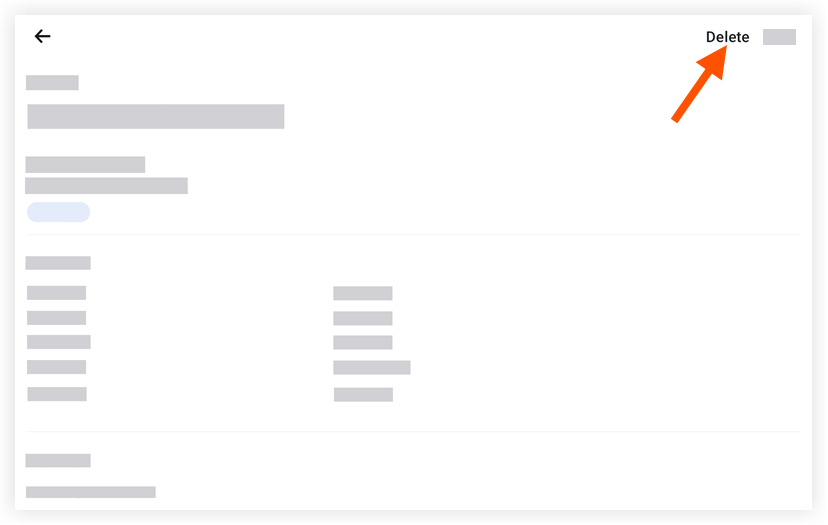
Appuyez à nouveau sur Supprimer pour confirmer que vous souhaitez supprimer l’entrée.
See Also
Loading related articles...