Créer un album photo (Android)
Éléments à prendre en compte
Autorisations utilisateur requises :
Autorisations de niveau « Standard » ou « Admin » dans l’outil Photos du projet.
Note: L’autorisation granulaire « Créer un album photo » n’est prise en charge que dans l’application Web Procore. Il n’est pas pris en charge sur les applications mobiles Procore.
Informations complémentaires :
Cette action peut être effectuée hors ligne. Les tâches effectuées hors ligne sont synchronisées avec Procore une fois la connexion réseau rétablie.
Escalier
Accédez à l’outil Photos du projet à l’aide de l’application Procore sur un appareil mobile Android.
Appuyez sur l’onglet Albums .
Appuyez sur Créer un nouvel album.
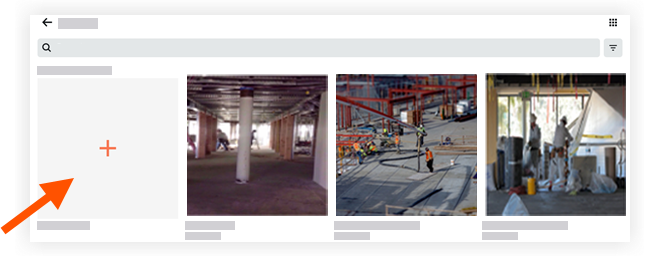
Saisissez un titre pour le nouvel album.
Appuyez sur Terminé.
L’album est créé et apparaît dans la vue Albums.
See Also
Loading related articles...