View Project Weather from the Project Overview

 En version bêta

Cette fonctionnalité est actuellement disponible pour tous les clients en Australie, au Canada, au Royaume-Uni, aux États-Unis et en Nouvelle-Zélande. Les utilisateurs d’autres régions peuvent accéder à la page d’accueil du projet. Veuillez contacter votre Procore point of contact pour demander l’activation de cette fonctionnalité.
Background

The Project Overview gives users access to important project information in one place.

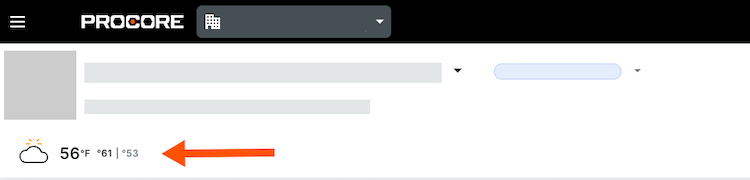
The Project Weather section of the Project Overview allows members of the project to view the current weather forecast for the project site. It also provides you with access to a 7-day weather forecast.

Things to Consider

Steps

  1. Navigate to the Project Overview.

    • Navigate to the project's Home to be redirected to the Project Overview.

    • Click Menu and select Project Overview.

  2. View the project's weather for that day.
    Projeect Weather

  3. Click the weather to see the 7-day forecast.

See Also

Loading related articles...