Search Contextually within Specifications (iOS)
Things to Consider
Required User Permissions: 'Read Only' level permissions or higher on the project's Specifications tool.
Cet actif ou élément peut être affiché ou modifié en mode hors connexion s’il a été précédemment affiché et mis en cache sur votre appareil mobile. Les tâches effectuées en mode hors ligne sont synchronisées avec Procore une fois la connexion réseau rétablie.
Steps
Navigate to the project's Specifications tool using the Procore app on an iOS mobile device.
Tap the division under which you would like to view sections.
Tap the specification section you wish to view.
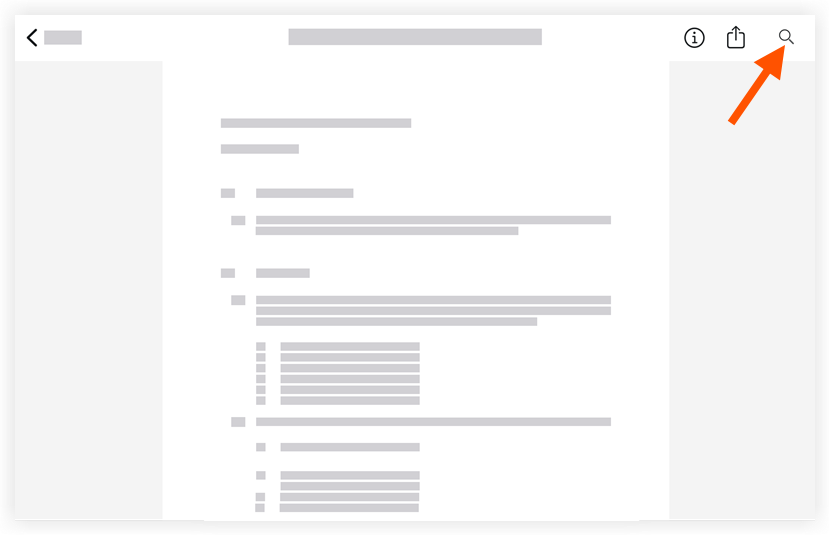
Tap the magnifying glass icon.
Type in key word(s) to search the spec section for.
Note: The word or phrase you entered with be highlighted in yellow.Tap the search results to be taken to the page the key word or phrase appears.
Click the X in the search bar to close the search.
See Also
Loading related articles...