Rename Drawing Disciplines
Things to Consider
Required User Permissions:
'Admin' on the project's Drawings tool.
Steps
Navigate to your project's Drawings tool.
Click the vertical ellipsis
 icon next to the discipline you want to rename.
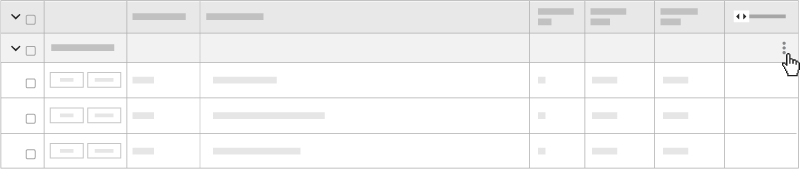
Click Rename.
Enter the name in the field.
Click out of the field to save.
See Also
Loading related articles...