Edit Incidents (Android)
考慮すべき事項
Prerequisites
Steps
Navigate to the Incidents tool using the Procore app on an Android mobile device.
Tap the incident you want to edit.
Tap the Edit icon.
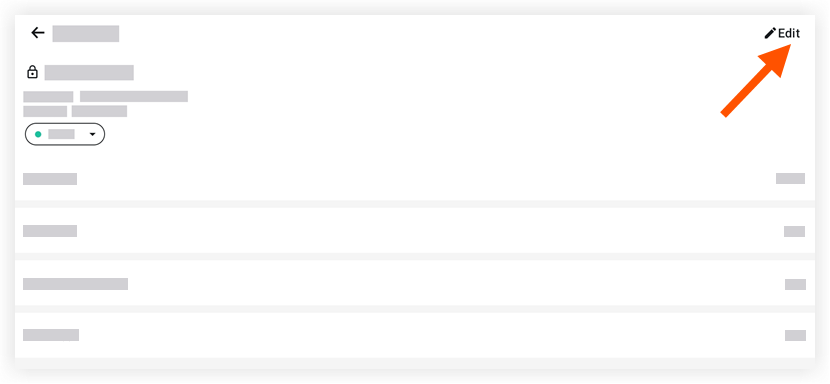
Tap into a field to modify the appropriate information.
Tap Save.
See Also
Loading related articles...