Delete a Model
Things to Consider
You can delete individual versions of a model, or a model with all of its versions.
Steps
Delete a Version of a Model
Delete an Entire Model
Delete a Version of a Model
Navigate to the project's Models tool on app.procore.com.
Click the vertical ellipsis
 icon for the model you want to delete a version of.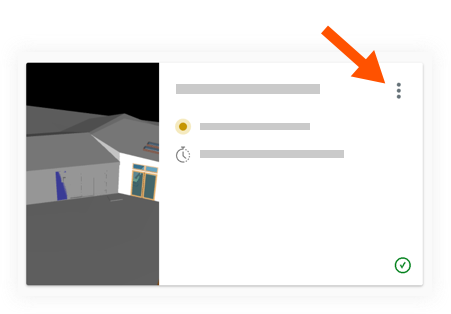
Click View Version History.
Click the vertical ellipsis
icon for the version you want to delete.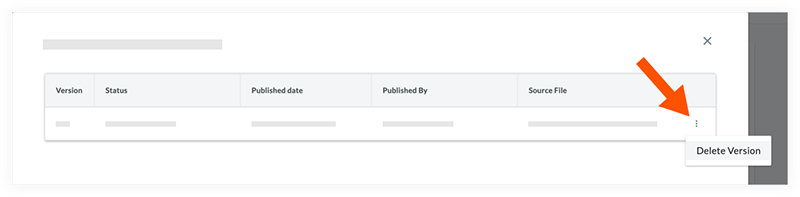
Click Delete Version to permanently delete the version.
Delete an Entire Model
Navigate to the project's Models tool on app.procore.com.
Click the vertical ellipsis
icon for the model you want to delete.Click Delete.
Click Confirm to permanently delete the model, including all versions.
See Also
Loading related articles...