Search Contextually within Specifications (Android)
Things to Consider
Required User Permissions: 'Read Only' level permissions or higher on the project's Specifications tool.
このアセットまたは項目は、以前に携帯機器で表示およびキャッシュされていた場合は、オフライン モードで表示または編集できます。オフライン モードで実行されたタスクは、ネットワーク接続が再確立されると Procore と同期されます。
Steps
Navigate to the Specifications tool from your Android device.
Search for or tap on the specification section within which you want to search. See Search for Specifications.
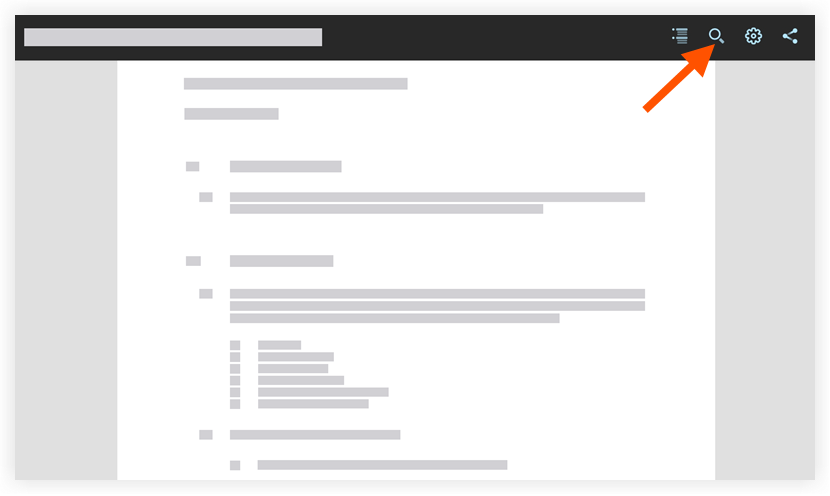
Tap Search
 .
.
Type the key word or phrase you want to locate within the specification section.
Note: The word or phrase you entered with be highlighted.Tap a result beneath the search bar to navigate directly to the keyword or phrase within the specification section.
See Also
Loading related articles...