Add Quantities to a Timesheet
Background
Production quantities are a measurable amount of work on a construction project. For example, cubic yards of concrete, number of light fixtures, or linear feet of piping. In Procore, there are two types of production quantities:
Budgeted production quantities refers to the measurable amount a team plans to install on a project.
Installed production quantities refers to the actual amount installed on a project by a point in time.
After installed production quantities have been entered in a timesheet, they can be tracked against the imported budgeted production quantities using the Field Production Report.
考慮すべき事項
For customers using Procore Project Financials, you can allow the quantities entered on a timesheet to display with the Procore Labor Productivity Cost Budget View.
The imported 'Budgeted Quantity' automatically fills the 'Unit of Measure' and 'Percent Complete' using the cost code.
If Sub Jobs are enabled on your project, the 'Sub Job' associated with your 'Units Installed' entry will appear in the Add Quantities window.
Prerequisites
Steps
If creating a timesheet, after you have entered the timecard information, click Submit and Add Quantities.
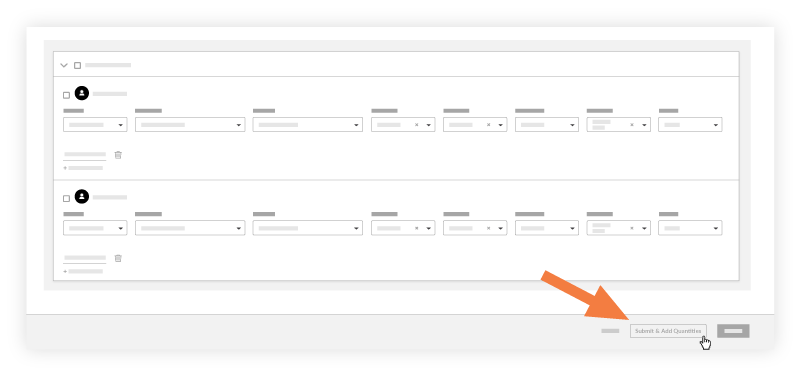
OR
If the timesheet has already been created, navigate to the timesheet, and click Add Quantities for the timecard entry.Enter the amount of Units Installed.
Note
You can only use cost codes that have an imported budgeted quantity associated with it.
Optional: Enter any notes.
Click Submit.