View a Crew (iOS)
Things to Consider
Required User Permissions:
'Read Only' level permissions or higher on the project's Crews tool.
This asset or item can be viewed or edited in offline mode if it was previously viewed and cached on your mobile device. Tasks performed in offline mode sync with Procore once a network connection is reestablished.
Prerequisites
Steps
Navigate to the project's Crews tool using the Procore app on an iOS mobile device.
Tap the Crews tab.
Notes:Crews that you are the Crew Lead for are categorized under My Crews.
Crews that you are not the Crew Lead for are categorized under Other Crews.
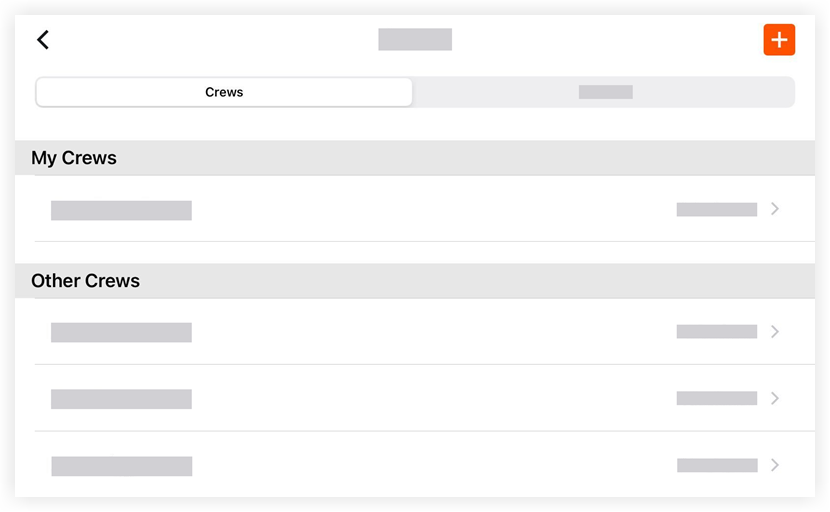
Tap the crew that you want to view.
Note: This action reveals information associated with the crew including, 'Crew Name,' 'Crew Lead,' and 'Crew Members.'