Edit a Worker
Things to Consider
Worker records can be edited in the project's Crews or Directory tools or in the Company Directory.
Steps
Navigate to the project's Crews tool.
Click the Workers tab.
Click Edit next to the worker's name.
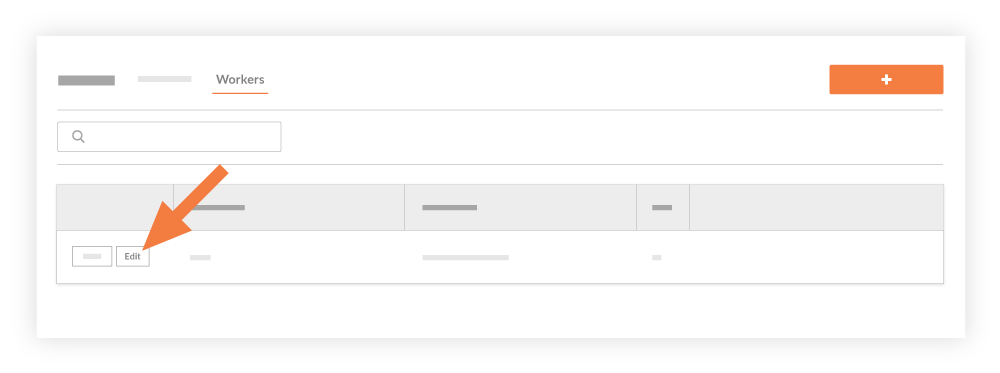
Update their information:
First Name. The worker's first name.
Last Name. The worker's last name.
Employee ID. The worker's Employee ID.
Classification: The worker's classification.
Click Save.
See Also
Loading related articles...