View Directory (Android)
Things to Consider
This asset or item can be viewed or edited in offline mode if it was previously viewed and cached on your mobile device. Tasks performed in offline mode sync with Procore once a network connection is reestablished.
Steps
Navigate to the Directory tool from your Android mobile device.
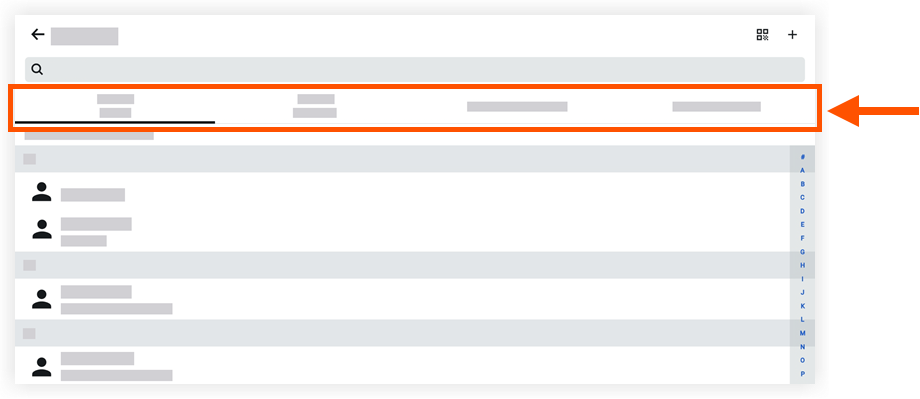
Tap one of the following tabs to filter the directory's contacts:
Contact Name: Lists users in the project's directory.
Contact Company: Lists users in the project's directory by company name.
**Companies/Vendors: Lists companies and vendors.
Company Directory: Lists users in the Company level Directory.
Tap a contact to view more details.