View Project Weather from the Project Overview
In Beta
Company Administrators can enable the Project Overview beta in Procore Explore. (US 2 | UK)
Company Administrators can enable the Project Overview beta in Procore Explore. (US 2 | UK)
The Project Overview gives users access to important project information in one place.
The Project Weather section of the Project Overview allows members of the project to view the current weather forecast for the project site. It also provides you with access to a 7-day weather forecast.
To show the weather, the project's latitude and longitude coordinates must be entered in the project's Admin tool. See Add, Edit, or Delete Project Details from the Project Overview
Click Project Tools and select Home to navigate to the Project Overview.
View the project's weather for that day.
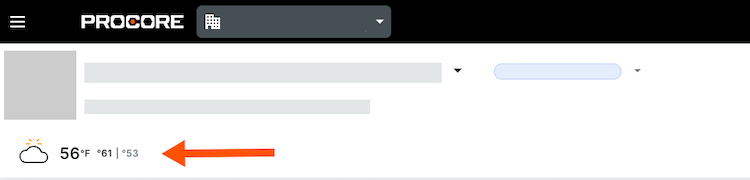
Click the weather to see the 7-day forecast.
Loading related articles...