Respond to Pre-Bid Questions (Legacy)
Legacy Content
If your project's Bidding tool has been updated to Bid Management Enhanced Experience, see Respond to Pre-Bid Questions.
If your project's Bidding tool has been updated to Bid Management Enhanced Experience, see Respond to Pre-Bid Questions.
Required User Permissions:
'Admin' level permissions on the project's Bidding tool.
A bidder must submit a question to respond to. For instructions, see Submit a Pre-Bid Question.
Navigate to the project's Bidding tool.
Click View next to the bid package that you want to open.
Navigate to the Bidders tab.
Click View next to the company that has the RFI question you want to answer.
Click the Emails tab. This is where any emails sent from the potential bidder will appear.
To respond to an email, click the subject of the email you want to respond to.

Scroll to the bottom of the page and enter in an answer below "Post a New Reply."
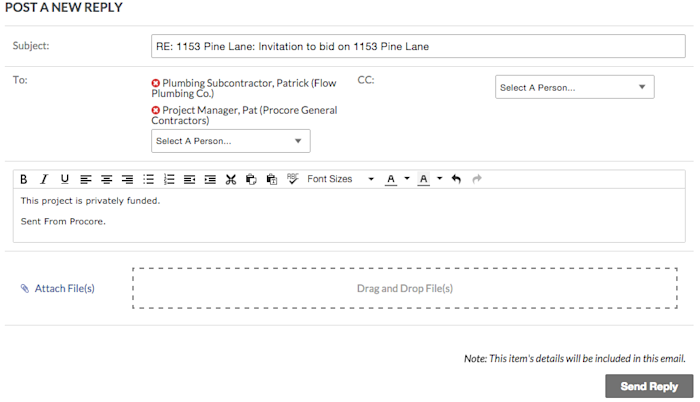
Click Send Reply. The user who posted the question will receive your answer in their inbox.
Loading related articles...