Add a Workflow
Navigate to the Company level Workflows tool.
Click Create. This opens the 'Add a Workflow' window.
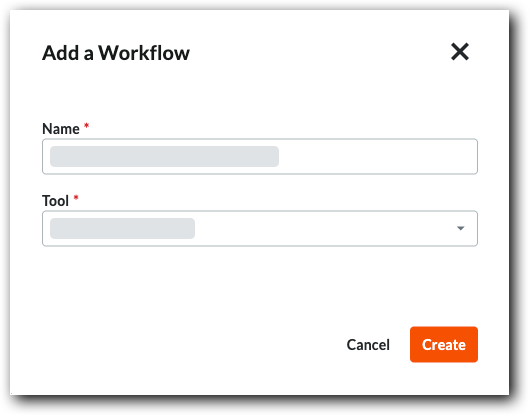
Name your new workflow.
Choose your workflow's tool from the Tool menu.
TipFor a list of available tools, see Which Procore tools support Workflows?

Click Create. This opens the workflows builder in a new browser window and creates a Version 0.1 in the Draft status.

Under General Information, select an option from the Type list.
Continue by adding the type of step you want.