Which Procore tools let me view digital image attachments in a map view?
背景
Procore Web 应用程序中的许多工具都包含附件查看器,使用户能够上传与项或对象关联的文件附件。例如,项目团队可能会上传尾项清单项目的照片,或使用工作日志工具的事故日志记录发生的事件。
要了解有关附件查看器的更多信息,请参阅下面的答案。
解答
如果图像附件具有带全球定位系统( GPS )坐标的JPEG或PNG文件格式,则用户可以在 Procore Web 应用程序的支持工具上查看附件时点击在Google地图中查看。
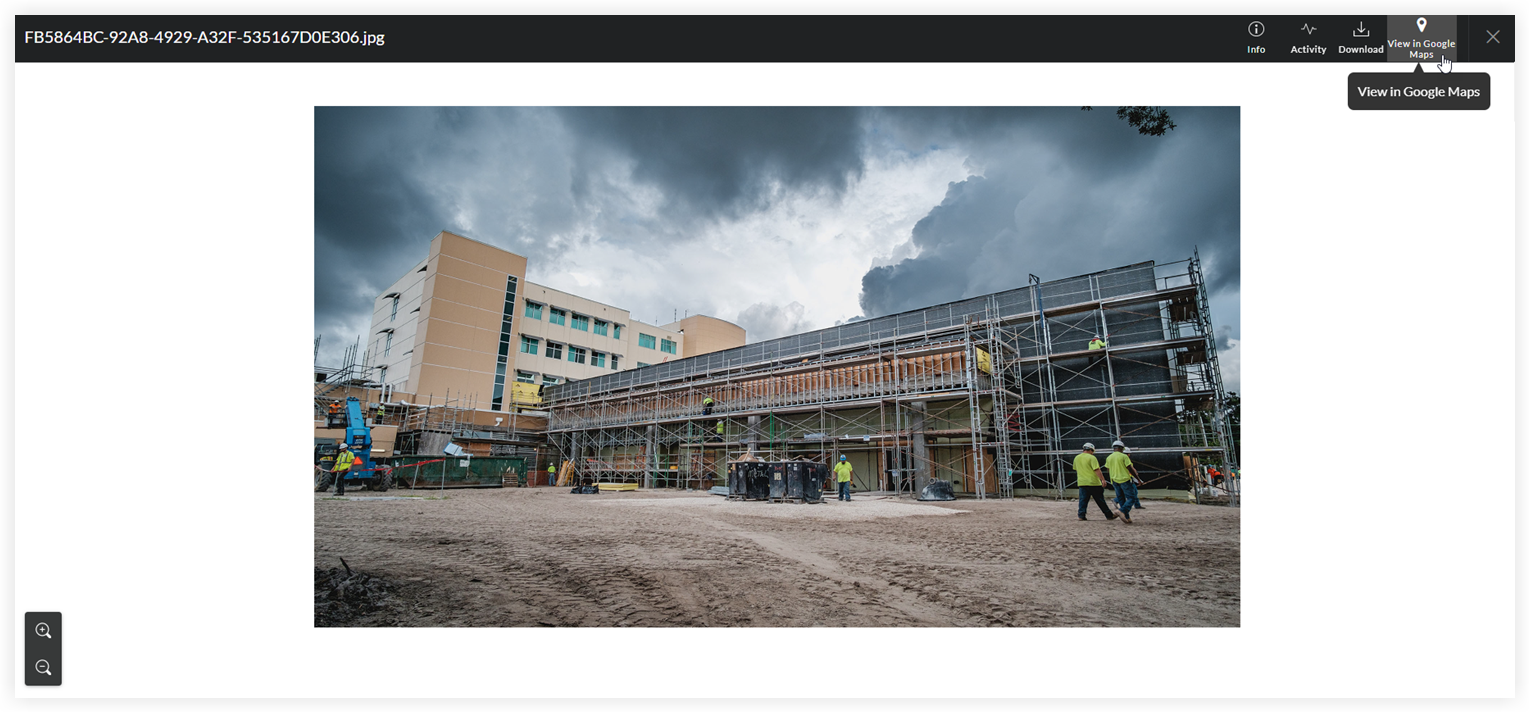
GPS坐标由第三方工具绘制。Procore 不对绘制工具的准确性或可靠性负责。
If the digital image does NOT contain GPS coordinates, the 'View Google Maps' button is grayed out and unavailable.
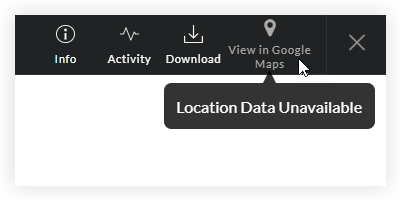
Most smartphone cameras have a built-in GPS function. When you take a photo, the camera automatically captures the GPS coordinates of the location where the image was taken. To learn how to adjust the GPS function on a camera, refer to the camera manufacturer's documentation.
支持的工具
上面详述的在Google地图中查看按钮可用于以下 Procore 工具:
工具名称 | 相关教程 | ||
|---|---|---|---|
协调问题 | |||
通信 | |||
自定义工具 | 不适用 | ||
工作日志 | |||
文档(公司级别) | |||
文档(项目级别) | |||
设备(旧版)(公司级别) | 设备(旧版)(项目级别) | ||
表单 | |||
事件 | |||
使用说明 | |||
检查任务(项目级别) | |||
会议 | |||
观察任务 | |||
尾项清单 | |||
信息请求 | |||
送审 | |||
任务 |