Create a Punch Item Template Category at the Company Level
背景
类别用于将尾项清单项目模板分组到集中。例如,你可能希望将特定模板组织到混凝土、石工、金属等单独的类别中。
Things to Consider
Required User Permissions:
'Admin' level permissions on the Company level Admin tool.
Additional Information:
Categories created at the company level are also visible and available in the Project level Admin tool.
Note: In the Project level Admin tool, a key icon appears next to any categories that were created at the company level.Categories created at the project level are specific to that project. They are NOT visible or available in the company's Admin tool. See Create a Punch Item Template Category at the Project Level.
You can also add a punch list template at the project level. See Create a Project Level Punch Item Template.
步骤
导航到公司级别管理员工具。
在"工具设置"下,点击尾项清单。
点击创建类别。
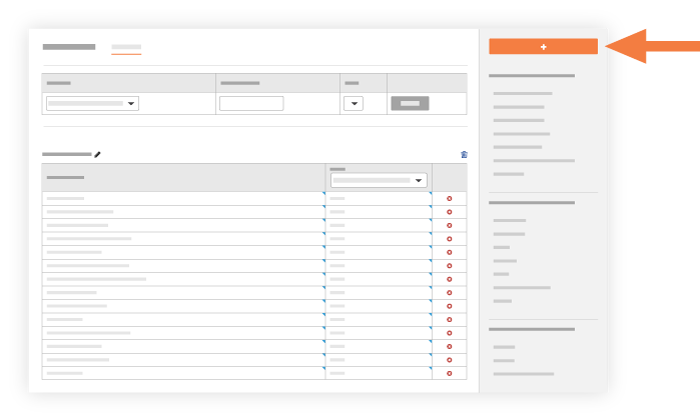
输入以下信息:
名称。输入你要创建的类别的标题。
创建。点击以创建新类别。系统将新类别添加到尾项清单项目模板配置页面底部。

See Also
Loading related articles...