添加和移除项目工具
Background
Users with Admin permissions on the project's Admin tool can enable or disable project level tools. While a tool is enabled, users with the appropriate permissions can view the tool in the Project Tools menu. While a tool is disabled, it is not visible to anyone in the menu and cannot be used.
Things to Consider
Removing a tool as an active tool on the project only removes the tool name from the Project Tools menu. It does not remove the tool's data.
Some tools are Active
 by default and cannot be removed.
If you do not see a tool that you expect to see, please reach out to your Procore Point of Contact.
步骤
导航到项目的管理员工具。
在"项目设置"下,点击活动工具。
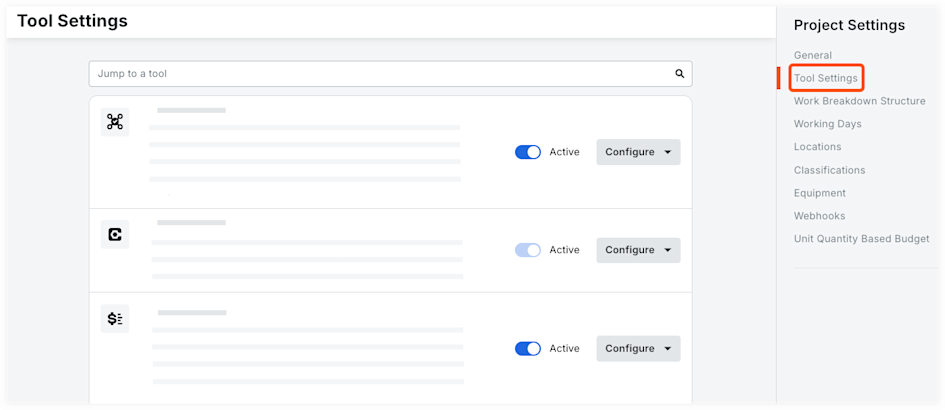
选中你希望在项目中处于活动状态和可用的工具旁边的复选框。
注意:你可以选中"全选"旁边的复选框来选择该账户可用的所有工具,或选中产品类别旁边的复选框以选择一个类别中的所有工具。再次点击复选框将取消选择所有工具。清除你不希望在项目中可用的任何工具旁边的复选框。
可选:点击工具并将其拖动到新序列,以重新排列工具在所有项目用户的"项目工具"菜单上的显示方式。
点击更新。
See Also
Loading related articles...