Retrieve a Report's Embed URL from the Power BI Service
In order to add a report to one or more Procore projects using the Procore Analytics Embedded 2.0 app, you need to retrieve the report's embed URL from the Power BI service.
Log in to the Power BI service using your Power BI login credentials and navigate to the report you want to embed into Procore.
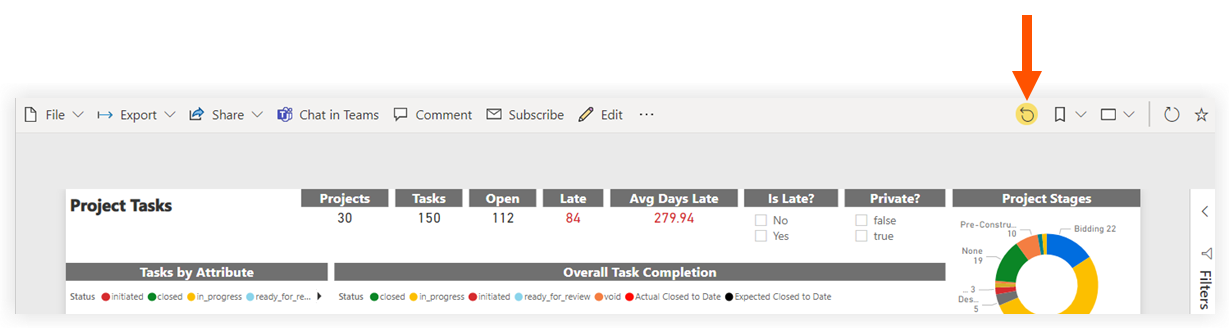
Click the circular arrow pointing left to remove any existing filters and to reset the report to the default view.
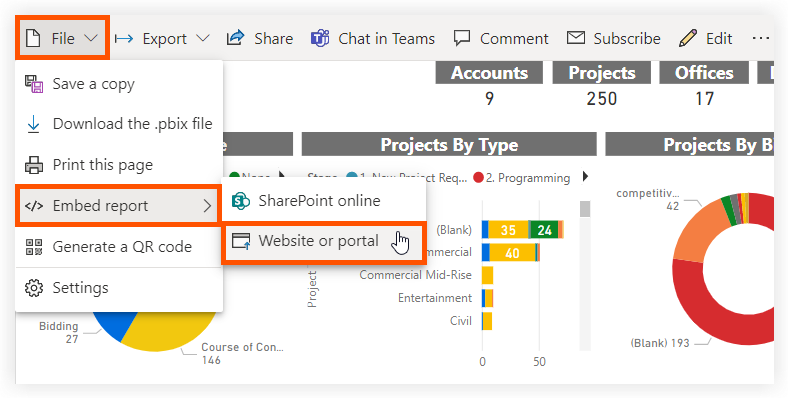
Click File > Embed report > Website or portal.
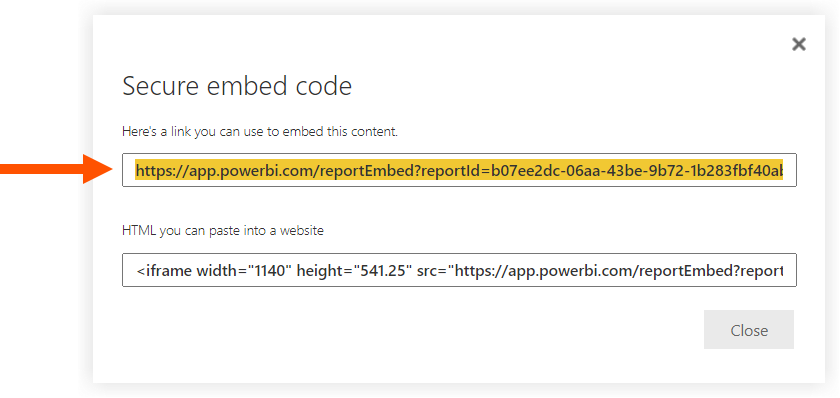
In the 'Secure embed code' window, copy the URL.
Proceed to Add a Procore Analytics 2.0 Report to Projects.
See Also
Loading related articles...