View Directory (Android)
需要考虑的事项
如果此资产或项目之前在你的移动设备上进行查看和缓存,则可以在离线模式下查看或编辑。重新建立网络连接后,在离线模式下执行的任务会与 Procore同步。
Steps
Navigate to the Directory tool from your Android mobile device.
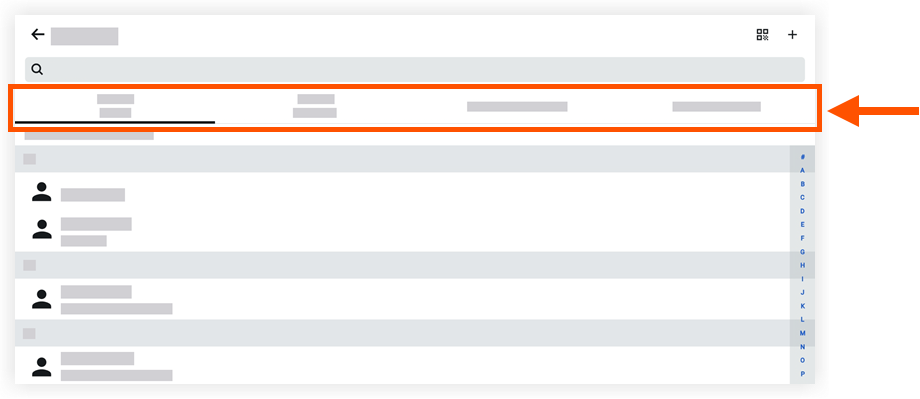
Tap one of the following tabs to filter the directory's contacts:
Contact Name: Lists users in the project's directory.
Contact Company: Lists users in the project's directory by company name.
Companies/Vendors: Lists companies and vendors.
Company Directory: Lists users in the Company level Directory.
Tap a contact to view more details.
See Also
Loading related articles...