Sign a Completed Inspection (iOS)
需要考虑的事项
Prerequisites
A user must be added as a signer in order to sign the inspection. See Add a Signer to an Inspection (iOS).
Steps
Navigate to the project’s Inspections tool using the Procore app on your iOS mobile device.
Tap the inspection that requires your signature.
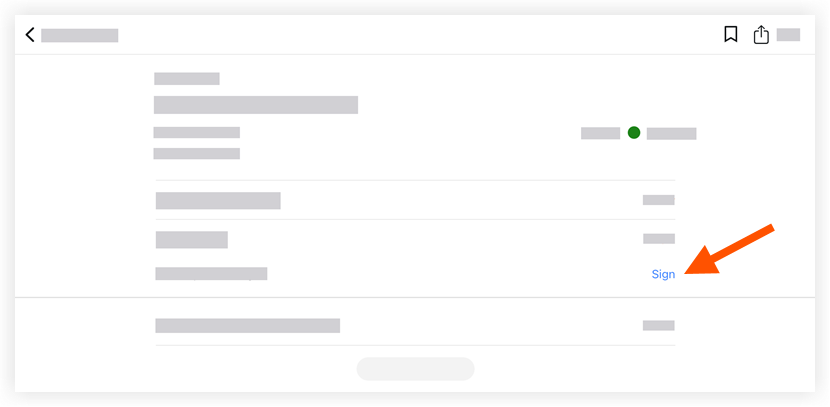
In the 'Signatures' section, tap Sign next to your name.
Draw your signature to sign the inspection.
Tap Submit to save your signature.
See Also
Loading related articles...