Clone a Project Inspection Template to a Company
Things to Consider
Additional Information:
Project level item references will not carry over to Company level templates.
Prerequisites
Steps
Navigate to the Project level Inspections tool.
Click the Configure Settings
 icon.
icon.Click the Templates tab.
Click View.
Click the ellipsis
 icon, then click Clone to Company. Note: Project level item references will not carry over to Company level templates.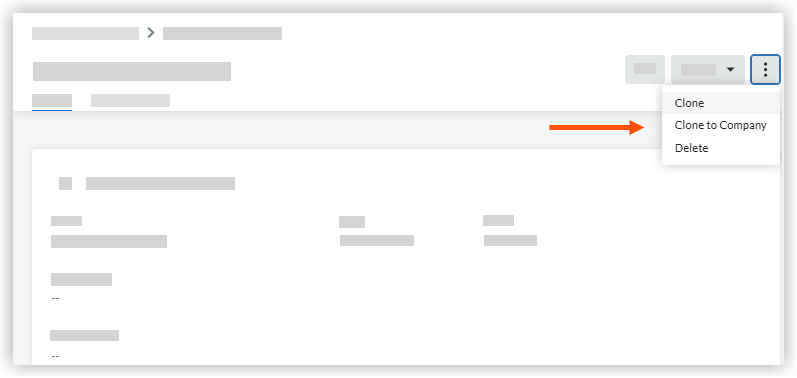
See Also
Loading related articles...