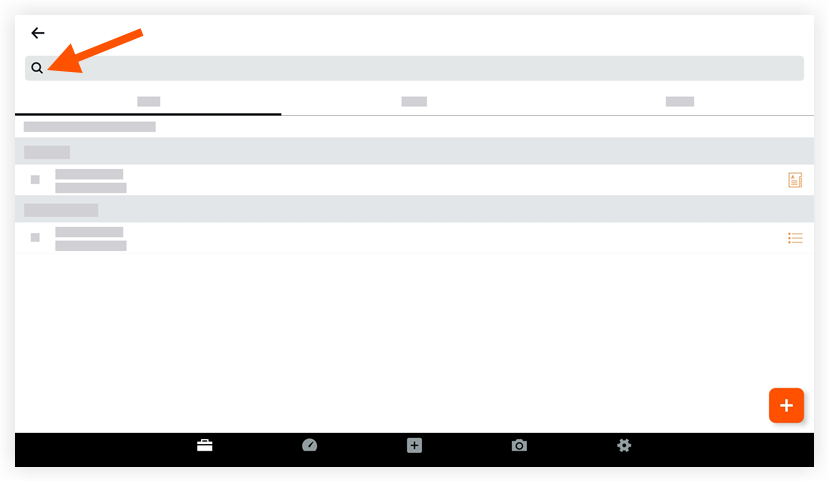
Search for a Meeting (Android)
Things to Consider
Required User Permissions:
'Read Only' level permissions or higher on the project's Meetings tool.
Additional Information:
When NO grouping options are applied, you can search for information in the following fields:Location
Overview
Meeting Title/Name
Date
Series
Note
When grouped by 'Series', only the 'Meeting Series Title' can be searched
Use Procore Search to search for the following fields:
Minutes
Meeting Item Title
Meeting Item Description
如果此资产或项目之前在你的移动设备上进行查看和缓存,则可以在离线模式下查看或编辑。重新建立网络连接后,在离线模式下执行的任务会与 Procore同步。