Delete a My Time Entry (Android)
Things to Consider
Required User Permissions:
'Standard' or 'Admin' level permission on the company's Timecard tool.
Additional Information:
My Time entries on a mobile device will be logged as a time entry in the Daily Log, Company Timecard, and if Timesheets is enabled, Project and Company Timesheets tools.
如果此资产或项目之前在你的移动设备上进行查看和缓存,则可以在离线模式下查看或编辑。重新建立网络连接后,在离线模式下执行的任务会与 Procore同步。
Prerequisites
To see My Time as an option on your project, you must be marked as an employee of your company. See How do I add someone as an employee of my company?
Steps
Navigate to your project's My Time tool using the Procore app on an Android mobile device.
Tap the entry you would like to delete.
Tap Delete.
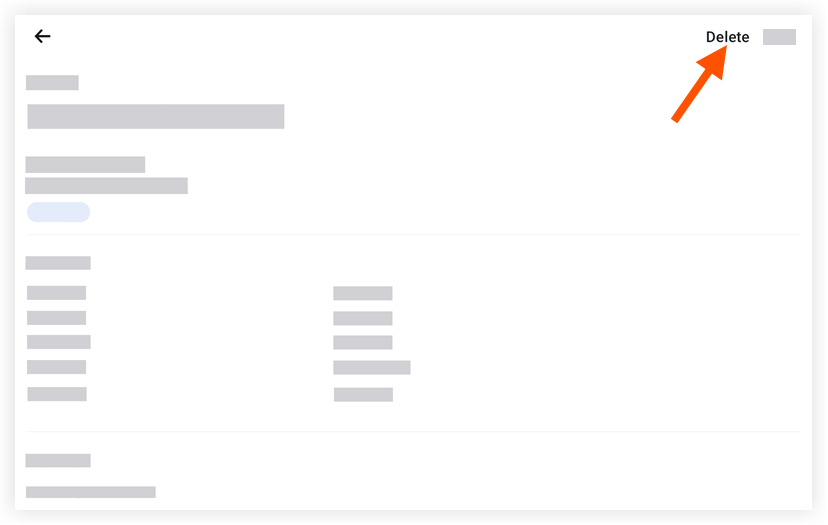
Tap Delete again to confirm that you want to delete the entry.
See Also
Loading related articles...