Edit an Observation (Android)
Things to Consider
如果此资产或项目之前在你的移动设备上进行查看和缓存,则可以在离线模式下查看或编辑。重新建立网络连接后,在离线模式下执行的任务会与 Procore同步。
Steps
Tap the project you would like to work in on your Android device.
Tap the Observations tool.
Tap the observation you want to edit in the left pane.
Tap Edit .
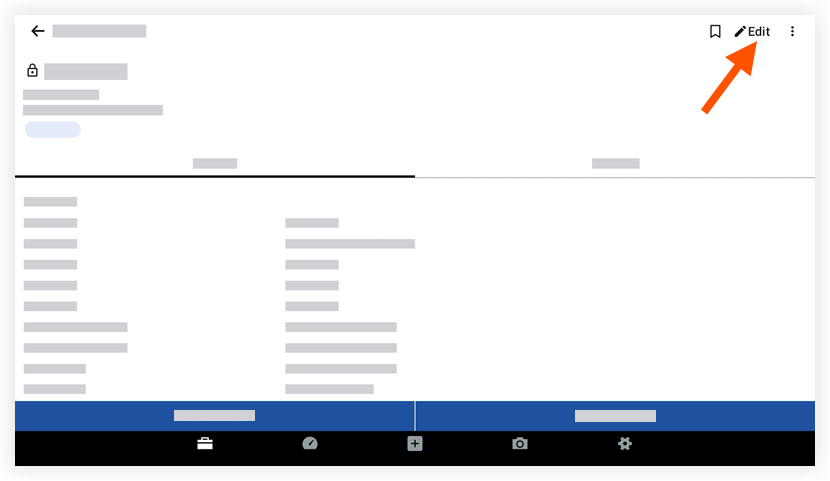
Tap to edit the fields to you want to change.
(Note: See Create an Observation for descriptions of each field.)Tap Save.
See Also
Loading related articles...