Create a Photo Album (Android)
Things to Consider
Required User Permissions:
'Standard' or 'Admin' level permissions on the project's Photos tool.
Note: The 'Create Photo Album' granular permission is only supported in the Procore web application. It is not supported on the Procore mobile apps.
Additional Information:
此操作可以离线执行。重新建立网络连接后,离线执行的任务与 Procore同步。
Steps
Navigate to the project's Photos tool using the Procore app on an Android mobile device.
Tap the Albums tab.
Tap Create New Album.
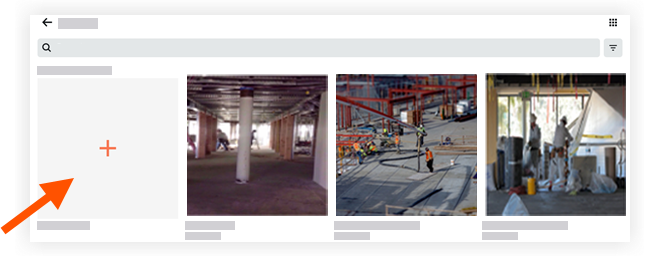
Enter in a title for the new album.
Tap Done.
The album is created and appears in the Albums view.
See Also
Loading related articles...