Add a Comment to a Photo (iOS)
Things to Consider
Required User Permissions:
'Standard' or 'Admin' level permissions on the project's Photos tool.
Additional Information:
Users can also add a comment to a photo when editing a photo's image.
See Edit a Photo's Information (iOS).
Steps
Navigate to the project's Photos tool using the Procore app on an iOS mobile device.
Tap the ellipsis
 and select Feed View
  .
.Tap the comment
 icon under the photo.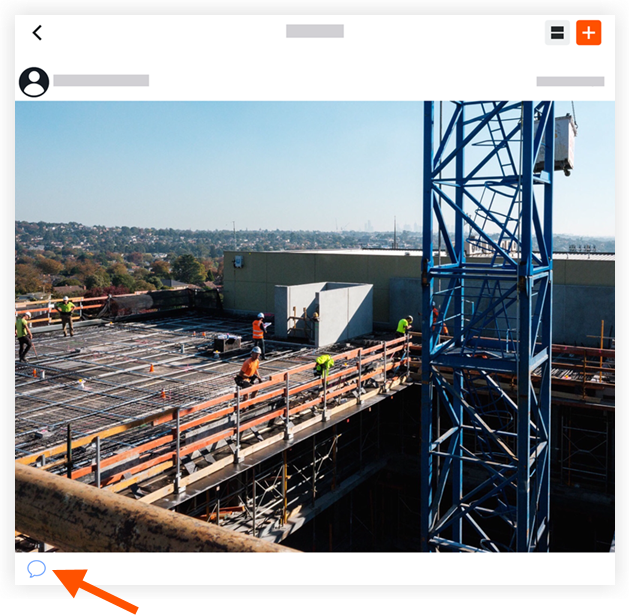
Enter the comment.
Optional: Enter or tap @ to mention a team member.
Tap Send.
See Also
Loading related articles...