Add a Description to a Photo
Things to Consider
Required User Permissions:
'Standard' or 'Admin' permissions on the project's Photos tool.
Steps
Navigate to the project's Photos tool.
Click the photo you want to add a description to.
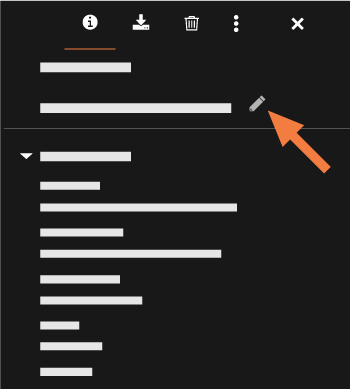
Click the info (i) icon if it is not already selected.
Click the pencil icon under the Information section.
When finished typing, click out of the text box. The description is automatically saved.
See Also
Loading related articles...