Search the Company Portfolio for Projects
背景
你可以使用公司项目集合工具中的搜索功能来查找一个或多个与搜索条件匹配的项目。搜索范围的范围包括以下字段:
名称。这对应于项目名称。
编号。这对应于作业编号。
地址。对应于作业现场的实际地址。
城市。这对应于作业现场所在的城市。
州/省。这对应于作业现场所在的州/省。你必须拼出全名。例如,亚利桑那或加利福尼亚。
邮政编码对应于项目的邮政编码。
电话。这对应于电话号码
Things to Consider
Required User Permission:
'Read Only' level permission or higher on the company's Portfolio tool.
Supported Views:
Projects
Executive Dashboard
Financial Views: Budget Variance, Contract Variance, Contract Summary, and Commitment Summary.
Supported Filters:
Department
Office
Stage
Status
Type
Region
Owner Type
Program
Role
Steps
Navigate to the project's Portfolio tool.
The Portfolio page appears.Click one of the supported views (e.g., Projects, Executive Dashboard, Financial Views).
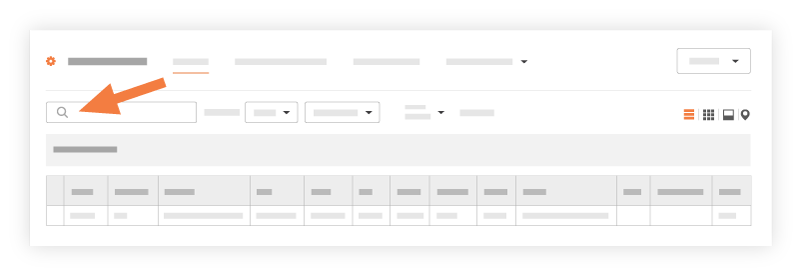
Enter a keyword or phrase in the Search box.
Click Search.
The system displays a list of projects that match your criteria.
Choose from these options:
If you want to open the project, click the project's hyperlink in the Name or Project # column.
If you want to apply filters to your results, see Apply Filters to the Portfolio Views.
See Also
Loading related articles...