View a Labor Budget to Actual Report (iOS)
Background
The Labor Budget to Actual Report compares the hours recorded in the Timesheets tool to the imported Budgeted Hours at a cost code level. The report is broken down by cost code and includes % of hours used, budgeted hours, job to date hours, and remaining hours.
需要考虑的事项
Prerequisites
Steps
Navigate to the Timesheets tool on an iOS mobile device.
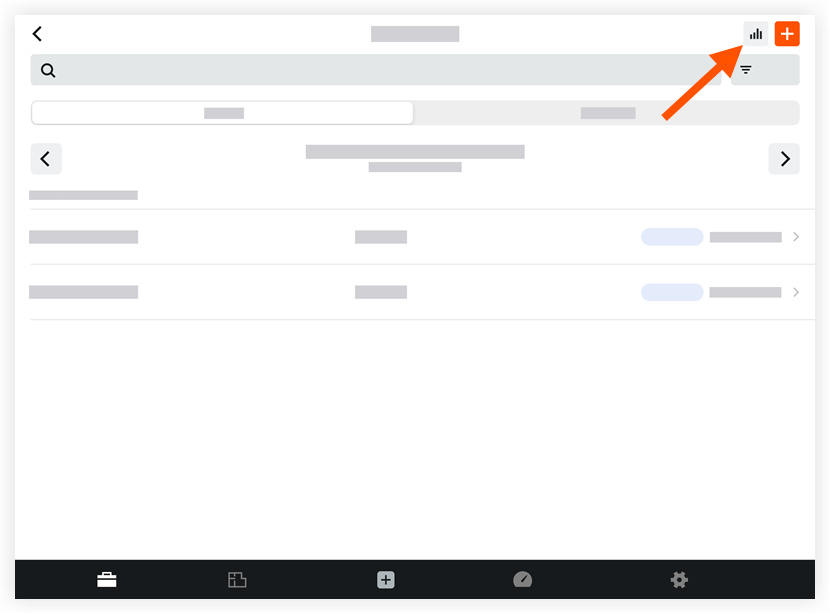
Tap Reports
 .
.
Tap the Hours tab to view the project's Labor Hours Summary Report.

To return to the Timesheets tool, tap Close.
See Also
Loading related articles...