Create a Bid Template Collection
Background
A Bid Template Collection serves as an internal library of standardized bid forms. Instead of project teams building scopes of work or line-item breakdowns from scratch for every single project, they can pull pre-configured forms directly from a central collection. This ensures that cost items, alternates, and custom questions are captured consistently across your entire organization.
Things to Consider
Required User Permissions on the Company Admin tool.
Additional Information:
At least one (1) Bid Template Collection must be created before Bid Templates can be created.
Steps
Navigate to the Company's Admin tool.
Under 'Tool Settings', click Bidding.
Select the Templates tab.
Click + Create in the 'Template Collections' section.
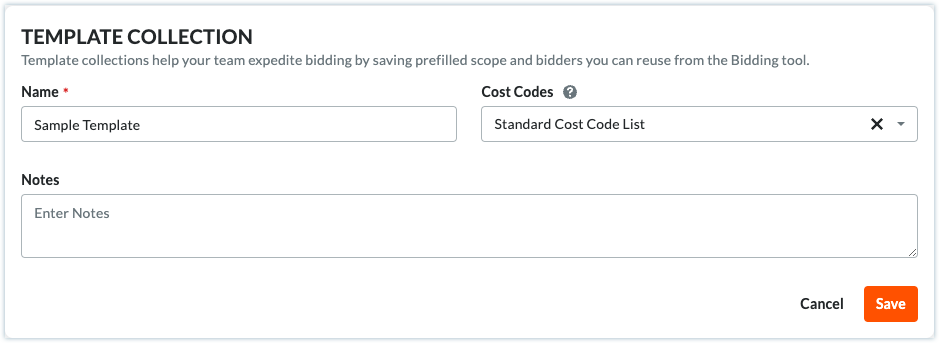
Enter the following information:
Note: Required fields are indicated by an asterisk (*).Template Collection:
Name*: Enter a Name for the Template Collection.
Cost Codes: Select the Cost Code list to use in this Template Collection.
Notes: Enter any notes associated with the Template Collection.
Click Save.

Next Step
See Also
Loading related articles...