Edit a My Time Entry (Android)
Things to Consider
Procore automatically syncs your My Time entries across the Daily Log, Company Timecard, Project and Company Timesheets tools.
Dieses Asset oder Element kann im Offline-Modus angezeigt oder bearbeitet werden, wenn es zuvor auf Ihrem Mobilgerät angezeigt und zwischengespeichert wurde. Aufgaben, die im Offline-Modus ausgeführt werden, werden mit Procore synchronisiert, sobald eine Netzwerkverbindung wiederhergestellt ist.
Prerequisites
To see My Time as an option on your project, you must be marked as an employee of your company.
Steps
Navigate to your project's My Time tool using the Procore app on an Android mobile device.
Locate the timecard entry you would like to edit.
Optional: Search for and Filter My Time Entries.
Tap the timecard entry.
Tap Edit.
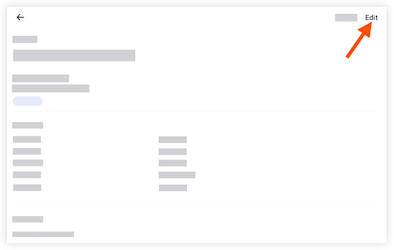
Tap a field to update the information.
Tap Save.
See Also
Loading related articles...