Apply Filters to the Project Status Snapshots Tool
Background
The Project Status Snapshots tool lets users view, filter, and open snapshots from your company's Procore projects. This is useful for Procore clients who manage high volumes of construction projects in their Procore company account.
Things to Consider
Required User Permissions:
'Standard' level permissions or higher on the Project level Budget or Company level Project Status Snapshot tools.
Prerequisites
Steps
Navigate to the Company level Project Status Snapshots tool.
Select a budget view from the View list.
If you want to view the snapshot, click the Open
 icon in the Project column.
Click Filters.
This opens the Filters panel.
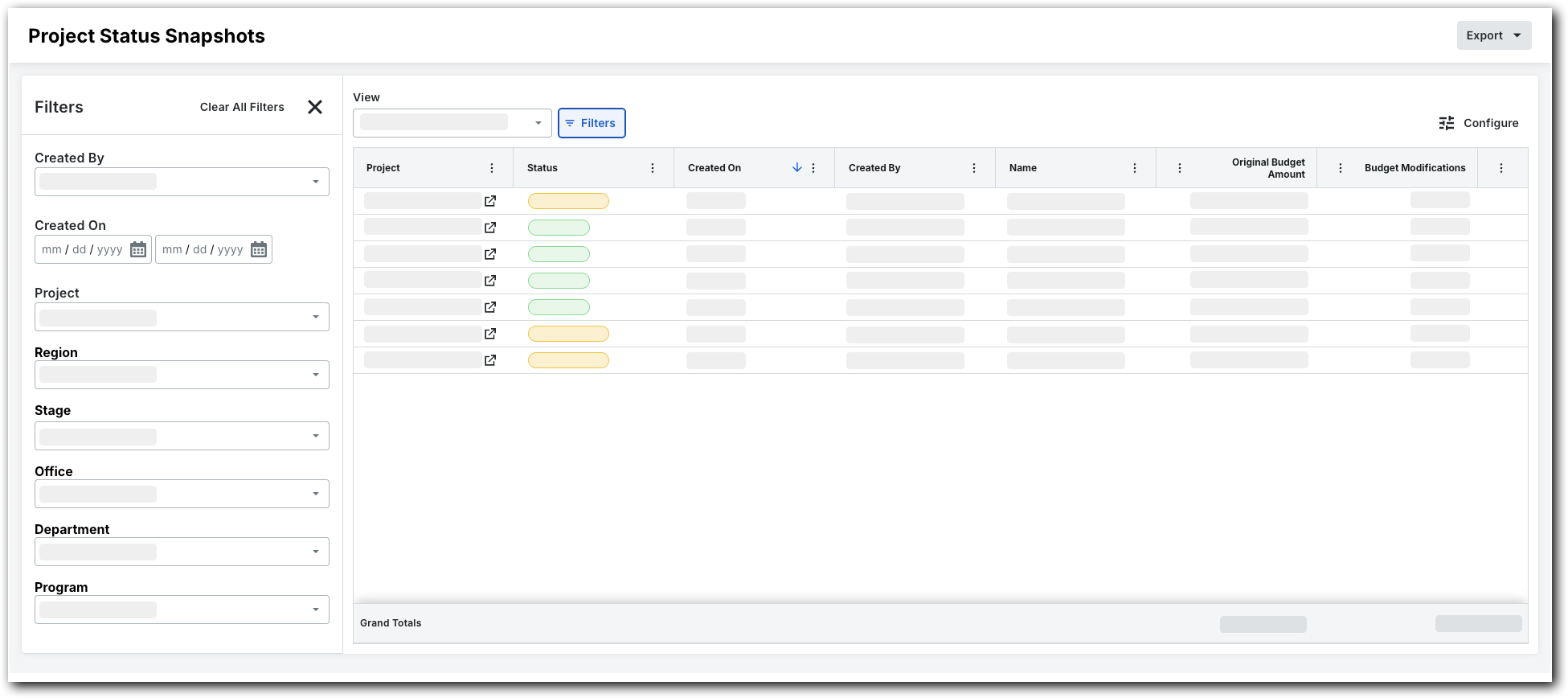
Set the available filters to focus on the snapshots you want to view. Options are:
Created By. Choose one or more snapshot creators.
Created On. Set a time frame using the calendar.
Project. Select specific projects to view their snapshots.
Region. Pick a project region.
Stage. Choose a project stage.
Office. Select an office.
Department. Pick a department.
Program. Select a program.
Status. Select a status.
See Also
Loading related articles...