Search Contextually within Specifications (Android)
Things to Consider
Required User Permissions: 'Read Only' level permissions or higher on the project's Specifications tool.
Dieses Asset oder Element kann im Offline-Modus angezeigt oder bearbeitet werden, wenn es zuvor auf Ihrem Mobilgerät angezeigt und zwischengespeichert wurde. Aufgaben, die im Offline-Modus ausgeführt werden, werden mit Procore synchronisiert, sobald eine Netzwerkverbindung wiederhergestellt ist.
Steps
Navigate to the Specifications tool from your Android device.
Search for or tap on the specification section within which you want to search. See Search for Specifications.
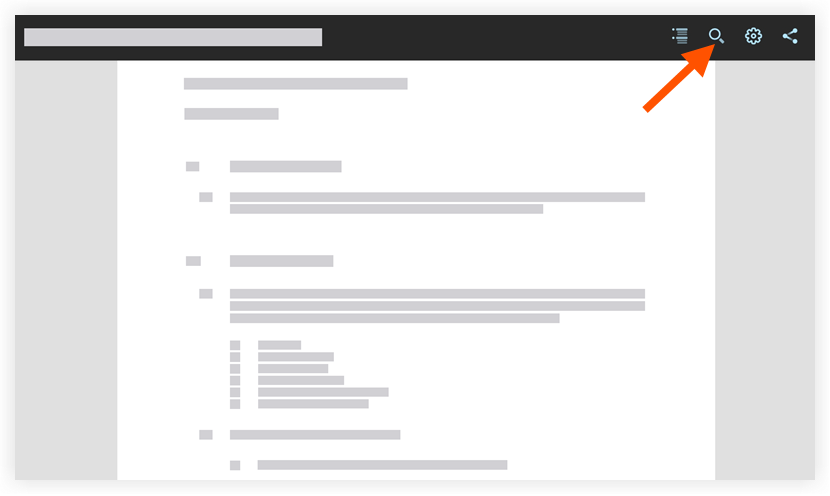
Tap Search
 .
.
Type the key word or phrase you want to locate within the specification section.
Note: The word or phrase you entered with be highlighted.Tap a result beneath the search bar to navigate directly to the keyword or phrase within the specification section.
See Also
Loading related articles...