Move a Pin
Steps
Navigate to the tool's map.
If using the Project Map, select a tool and the list
 icon.
icon.Click the find on map
 icon next to the item click the item on the map.
In the preview window, click the move pin
 icon.
icon.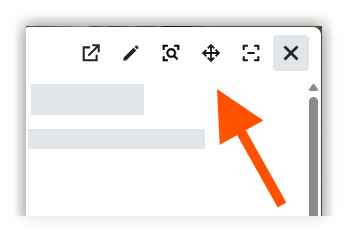
On the map, click and hold the move pin
icon. Then drag the pin to the desired location.Click the map to confirm the new location.
