View a Worker
Things to Consider
Worker records are added and can be edited in the Project and Company level Directory tools, in the 'Contacts' tab.
Prerequisites
Steps
Navigate to the project's Site teams tool.
Click the Workers tab.
Locate the worker you want to view information for.
Click View to the left of the worker's name.
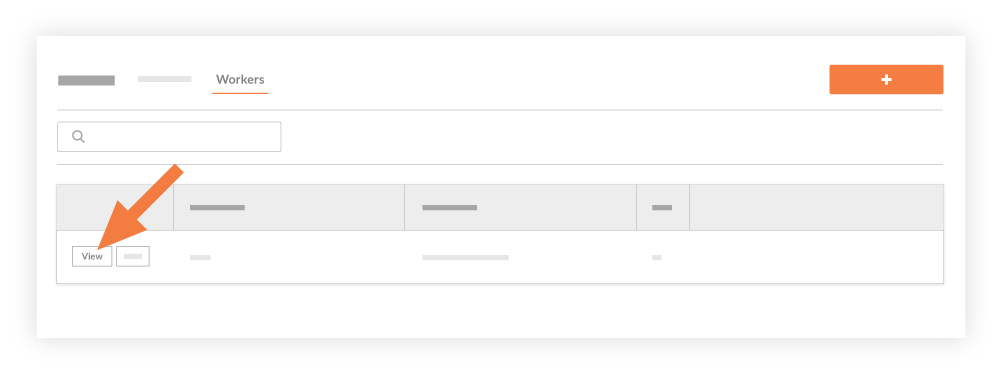
This reveals the 'View Worker' window, displaying the worker's information.
See Also
Loading related articles...