Company Administrators can switch between the new Procore Home and legacy Company Portfolio by following the below steps:
Open the Procore Home or Company Portfolio tool.
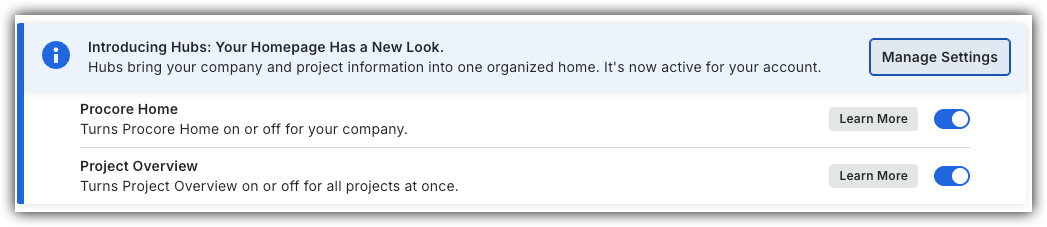
Locate the Introducing Hubs banner.
Select Manage Settings on the banner.
Toggle Procore HomeON or OFFto switch between the new view and the legacy view.
However, later this year Company Portfolio will be sunset and will no longer be available.
Background
Export your list of active or inactive projects directly from the Portfolio tool. To focus on specific data, apply filters to narrow your results before you export. Your access to projects determines which projects appear in the list.
 or OFF
 to switch between the new view and the legacy view.
 icon.
icon.