Enable Disbursements
Navigate to the Company level Payments tool.
Click the Configure Settings
 icon.
icon.Click the Payment Processing tab.
Click Advanced Settings.
On the Advanced Settings page, review the informational statement under Enable Disbursements.
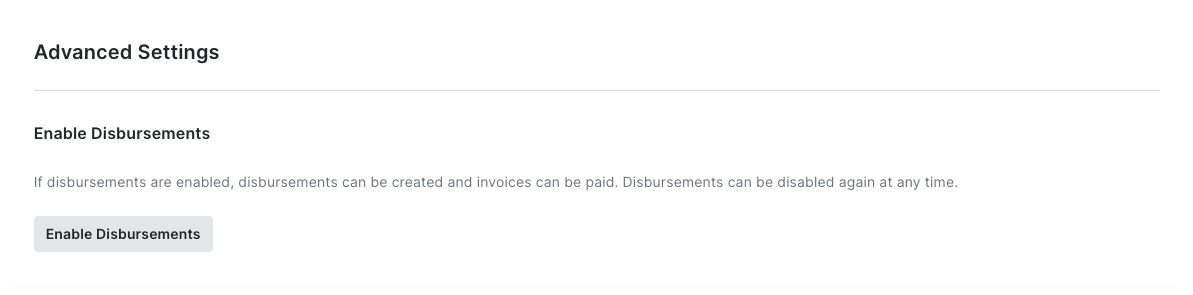
Click the Enable Disbursements button. Once enabled:
A GREEN success banner appears to confirm your action.
Your company's Payments Disbursers can now create new disbursements in the Company level Payments tool.
