Configure Columns
Navigate to the Project level Budget tool.
Click the Project Status Snapshots tab.
Click Configure Columns.
This opens theTable Settings panel.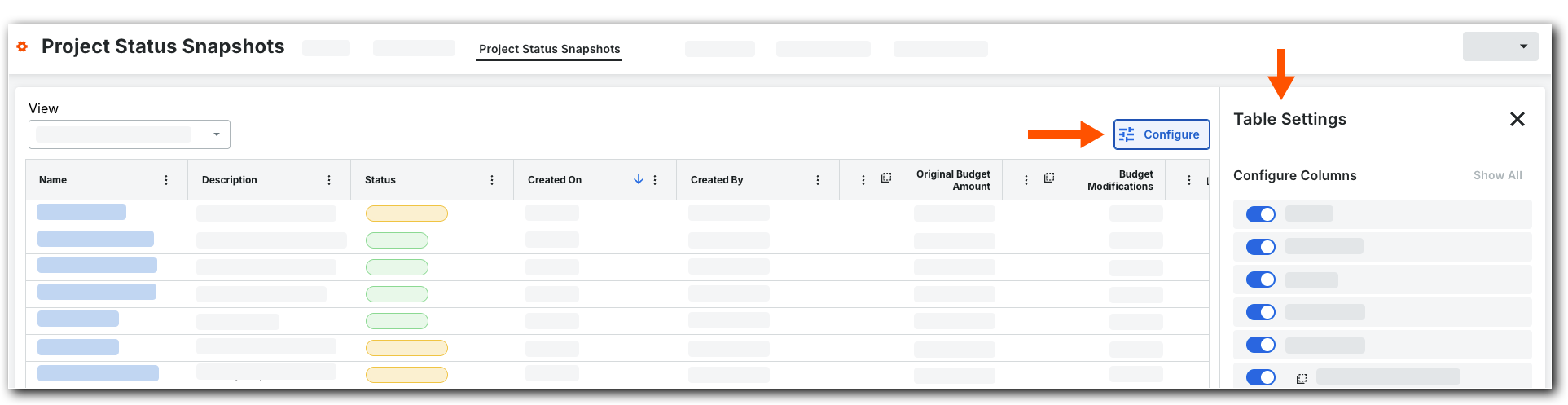
Under Configure Columns, you have these choices for each available column:
Click Show columns. Move the toggle switch to the right. The system's default setting is to show all available columns.
Hide columns. Move the toggle switch to the left.
When finished, click the Close (x) icon on the panel.
