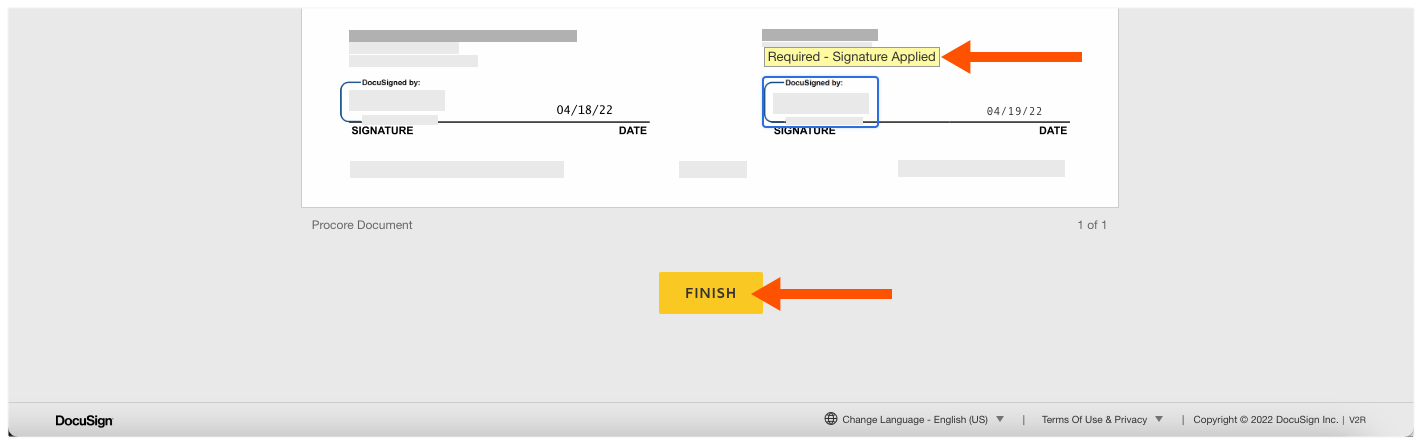
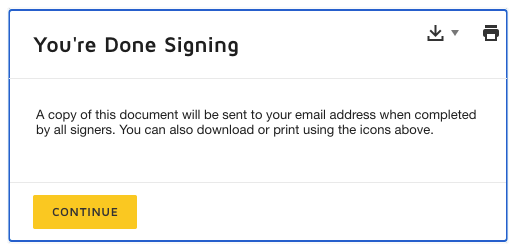
Sign with DocuSign
Open the signature request email you received from DocuSign®.
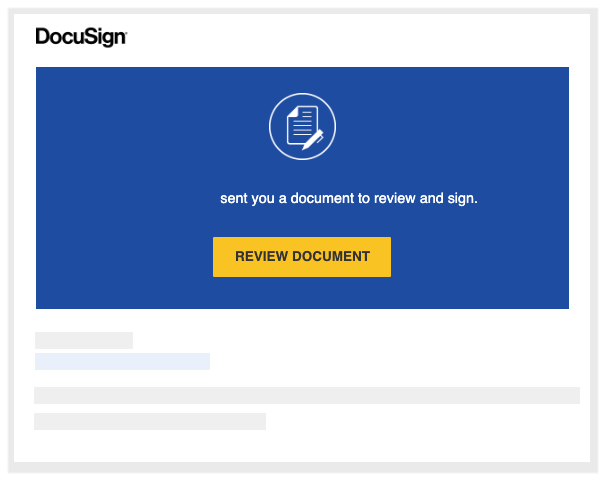
Click Review Document. This launches the DocuSign® application.
NoteYou do NOT need a DocuSign® account to review or sign a document. See Do I need a DocuSign© account?
In the 'Please Review & Act on These Documents' window, do the following:{
Click the Electronic Record and Signature Disclosure. You must read and agree to the 'Agreement to do business' page that appears. You have download, print, and close the page.
After reading the disclosure, place a mark in the I agree to use electronic records and signatures check box.
Click Continue.
Click Start on the left side of the page. This takes you to the first place to sign (or initial) in the document. 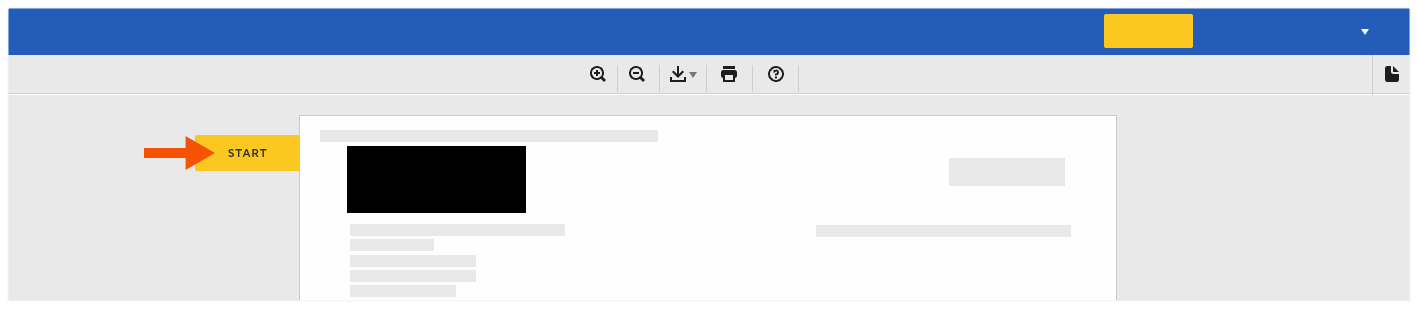
Click the Sign box. 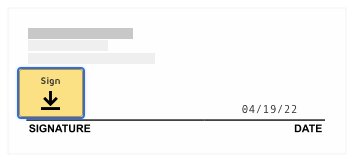
If this is the first time you are signing a document, the 'Adopt Your Signature' window appears.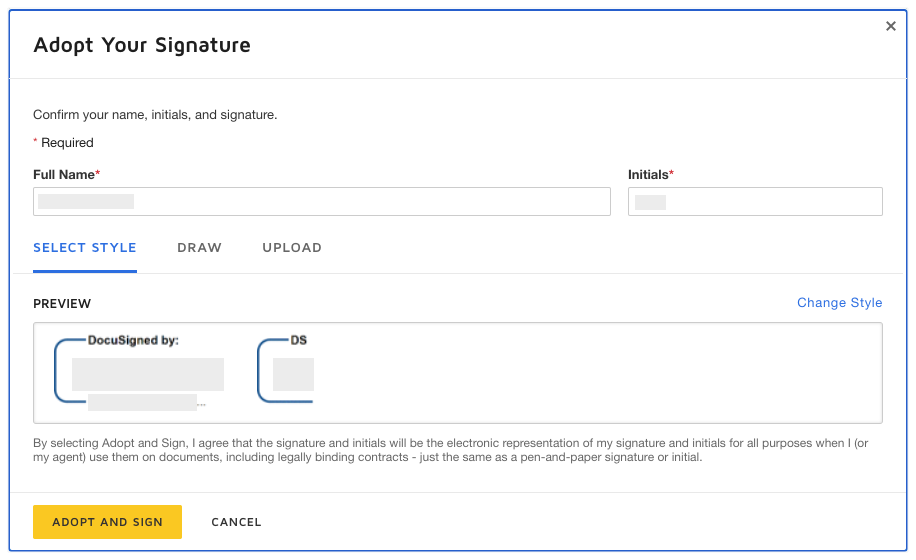
Full Name. Type your full name in the box.
Initials. Type your initials in the box.
NoteYou can optionally change the style of your signature, draw your signature, or upload a signature. To learn how to use these features, visit: https://support.docusign.com