Add an Estimate
Navigate to the Bid Board or Portfolio Planning tool and select the project.
OR
Navigate to the project's Estimating tool.The Estimating tool opens to the Takeoff tab. From here, you can enter your takeoff data or switch to the Estimating tab. See Add Takeoffs.
Click the Estimating tab.
Click the estimate selection menu.
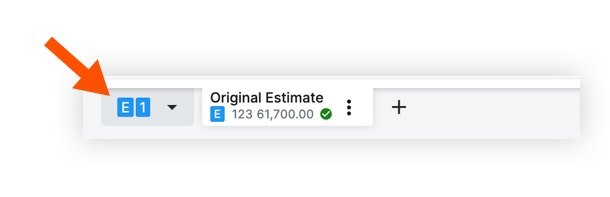
Do one of the following:
If you want to use an existing estimate, click Copy Selected Estimate.
If you want to create a completely new estimate, click Create Empty Estimate.
Click the vertical ellipsis
 icon.
icon.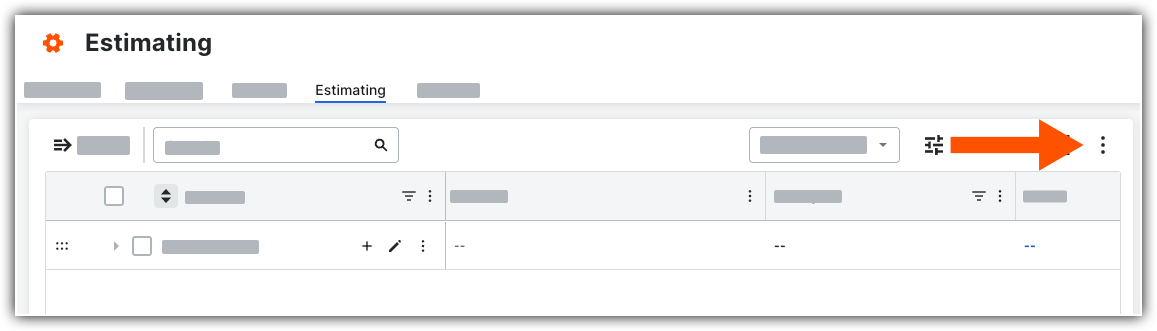
Toggle ON
 Flexible Table Layout.
Note: Flexible Table Layout must be turned on to use the Bidding and Estimating Integration.See the sections below for available options:

