View a Worker (iOS)
Things to Consider
Required User Permissions:
'Read Only' level permissions or higher on the project's Crews tool.
Additional Information:
Workers can also be viewed in the Project and Company Directory tools under the 'Contacts' tabs. See What is a 'contact' in Procore and which project tools support the concept?
Steps
Navigate to the project's Crews tool using the Procore app on an iOS mobile device.
Tap the Workers tab.
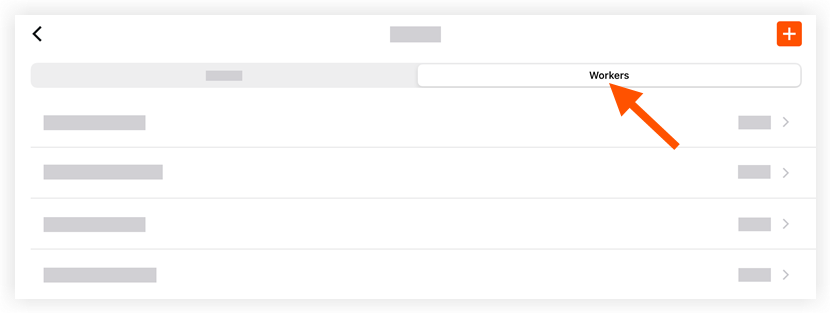
Tap the worker you want to view.
This reveals the worker's information.
See Also
Loading related articles...