View Drawing Area (iOS)
Beta - Multi Column Layout for iPad
A new two and three-column layout is now available for iPads, making it easier to navigate different tools. Tap the menu icon to show and hide the menu.
A new two and three-column layout is now available for iPads, making it easier to navigate different tools. Tap the menu icon to show and hide the menu.
Open the Procore app on an iOS mobile device.
Tap the project's Drawings tool.
Tap Areas.
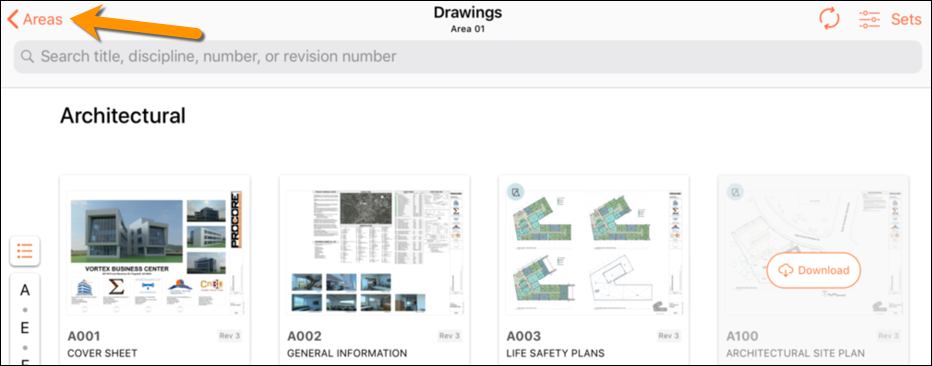
Tap the area you want to view.
Note: After you select an area, you will only see drawings within that area.
Loading related articles...