View the Activity Feed of an Inspection (Android)
Background
Monitoring the activity feed of the items in an inspection will help you keep track of who is inspecting each item and what changes are made to the inspection.
Prerequisites
Steps
Navigate to the project's Inspections tool using the Procore app on an Android mobile device.
Tap the inspection you want to open.
Tap into an inspection item.
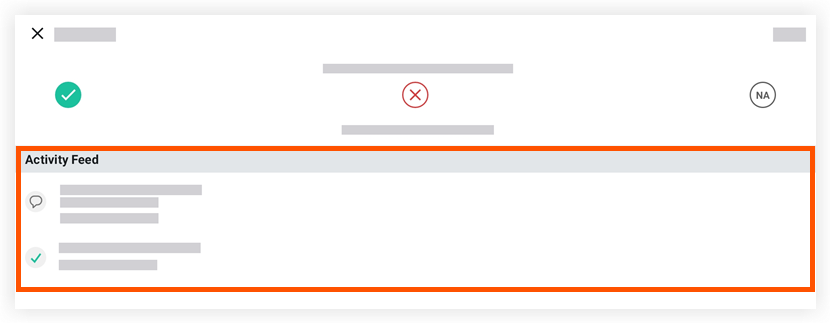
The 'Activity Feed' section is revealed.
Note: If the inspection is not in 'Closed' status, users can still add comments or photos to this section.
See Also
Loading related articles...